Organization settings
What belongs to the club rather than to one event: its logo, the address your players reply to, the account that collects the money, your tax numbers and your plan. Set once, at the start, and rarely touched again.
It all lives on one page: from your dashboard, open your organization, then Settings. It reads in three parts — your organization, collecting registration fees, your SetRally subscription — and each group says in one line where it stands.
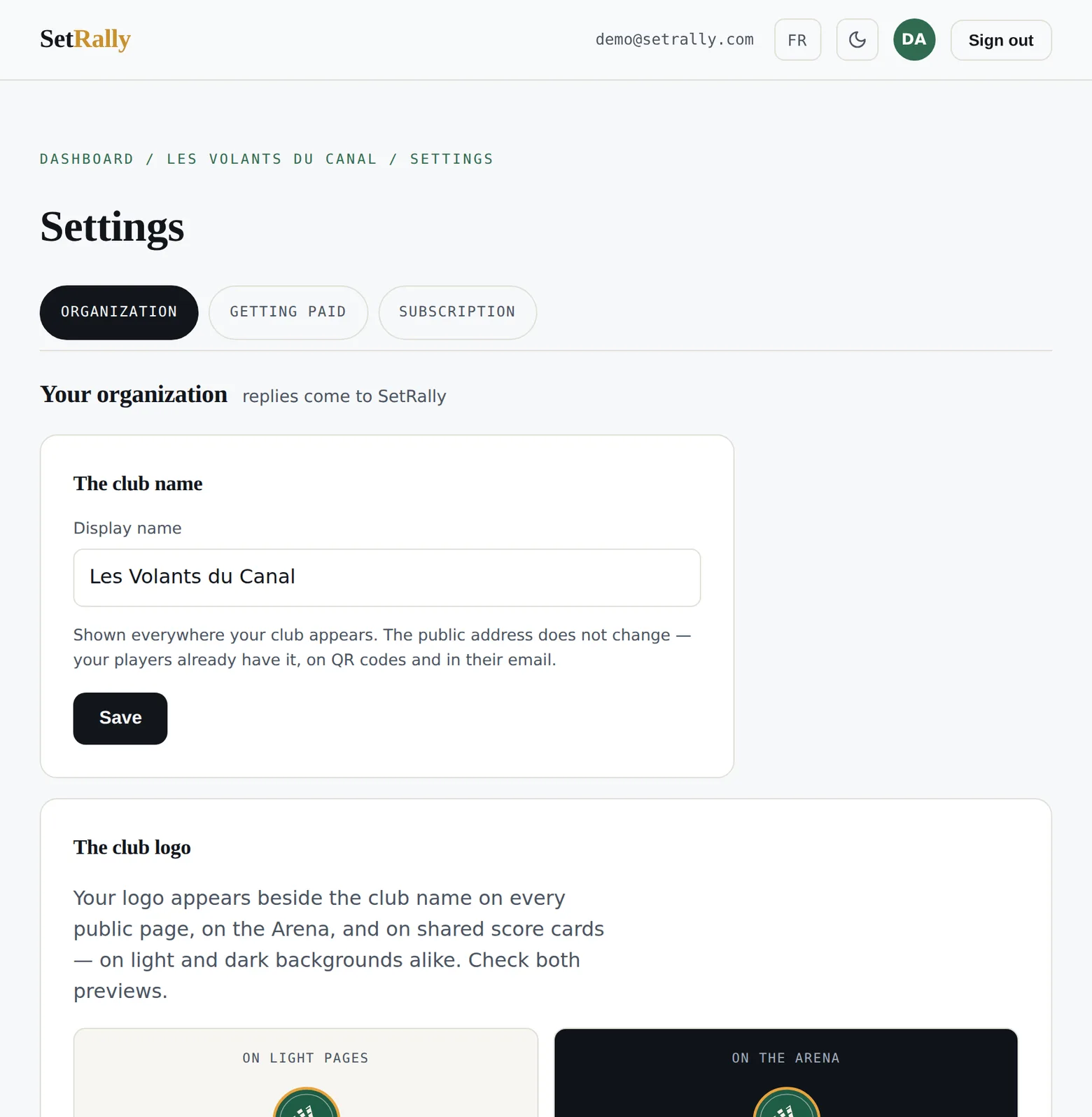
The club name
The display name can change at any time — a club merges, a league takes a sponsor's name. It updates everywhere: public pages, emails, the Arena, shared cards.
The public address does not move. That is deliberate: your players already have it, printed on QR codes and sitting in every email you have already sent. A club that changes its address breaks its own posters.
The club logo
Your logo appears beside the club name on public pages, on the Arena projected in the gym, and on the score cards your players share. One file, PNG or SVG: SetRally resizes it and trims the empty space around the artwork, so it fills the room reserved for it.
Two previews show it on light and on dark, exactly as the pages will. Look at both: a black logo on a transparent background disappears on the Arena, and here — not three weeks later in front of the gym — is where that must show up.
Replies from your players
Every email sent for your club goes out in your club's name: a player sees “your club via SetRally” in their inbox. What remains is where their answer lands when they hit Reply.
Put your club's address here and invitations, pay links and confirmations will carry it. While it is empty, replies come to SetRally — we forward them, but on a game day that costs hours. The sign-in email always stays in SetRally's name: that one really is from us.
Collecting online: the Stripe account
To take registration fees by card, the club connects its own Stripe account. Connect Stripe takes you there, you answer their questions — legal name, bank account, ID — and you come back. Budget about fifteen minutes, and keep your banking details at hand.
The money never passes through us. Every paid registration goes straight into the club's account; SetRally takes its 1% commission there, and Stripe its card fees, as everywhere. Receipts, refunds and transfers to your bank are managed from your own Stripe dashboard.
For the first few days Stripe accepts payments but holds the bank transfer while it finishes verifying. That is normal: sign-ups work, the money arrives a little later.
If Stripe asks for a document, a banner appears at the top of the page with its deadline. Don't ignore it: past that date payments stop, in the middle of a sign-up period. Check status re-reads your account when you have just settled something with them.
Detach the account cuts our end of the link only: Stripe keeps the account, its balance and its records. It is what you do when a club changes accounts, never to “tidy up”.
Your tax numbers
Your club is the seller, so your club collects and remits the tax, where it is registered. The numbers entered here print on your players' receipts — which is what lets them claim their input tax credits, and what an accountant will ask for one day. The note beside them says what is taxable, when your situation doesn't fit in a number.
Your SetRally subscription
The last group is the only one about money you pay us rather than money you collect. Three tiers: Free (one active event, 2 divisions, 16 players — the whole game engine, never crippled), Club (unlimited events, divisions and players, team leagues, several admins) and Pro. A one-off tournament can also be paid à la carte, and it is free when its sign-ups run through SetRally.
Paying yearly amounts to two months free. Once subscribed, Manage subscription opens Stripe's secure portal: card, invoices, tier changes, cancellation — all without writing to us. Anything that raises the bill applies immediately, prorated; anything that lowers it takes effect at renewal, so you use what you already paid for.
On the Free tier nothing is deleted or closed: it is creation that stops — a second active event, a third division. Archiving a finished event frees the slot, and the archive keeps everything: results, standings, history.